Google oAuth
Setup oauth credentials within the Google Developers Console at: console.cloud.google.com
In your Google Cloud APIs Console create a new OAuth ClientId for a Web application.
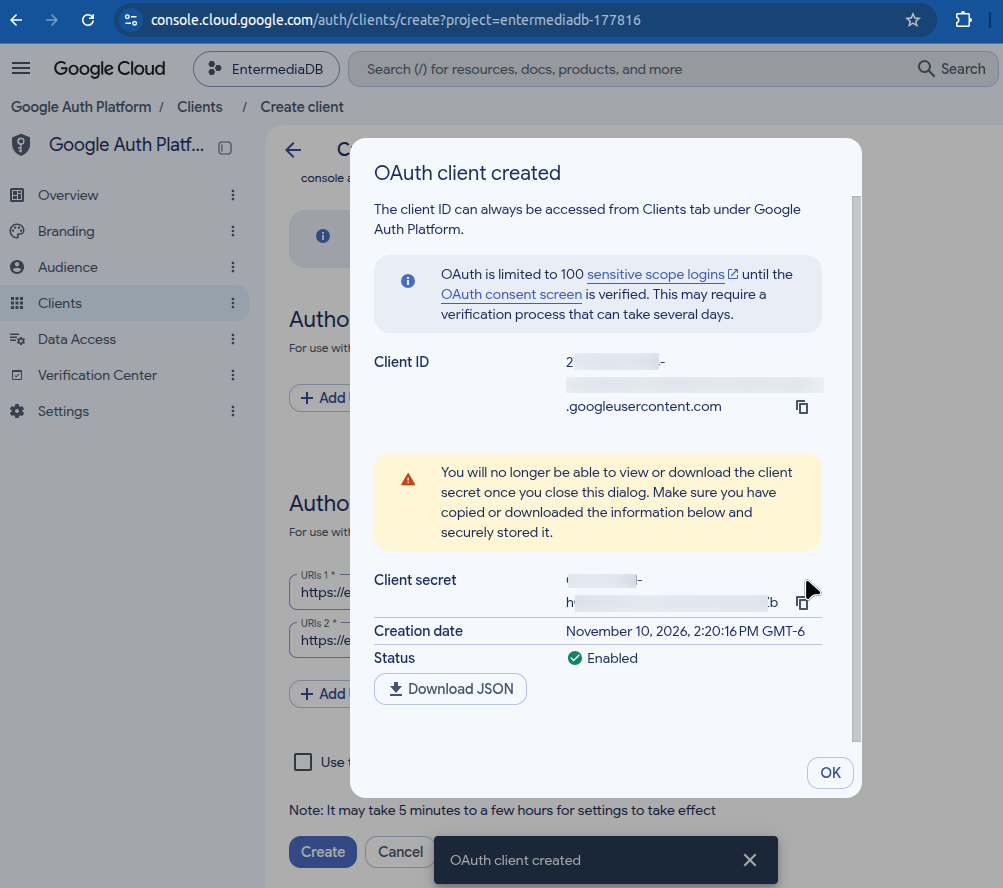
Add this 2 Redirect Urls for each catalog in your server to the list of Authorized Redirect URLs section.
For Finder app add:
- https://yoursite.com/finder/find/authentication/oauth/googleauth.html
- https://yoursite.com/finder/find/views/settings/google/connectfinish.html
Note: Https is now required.
In your eMedia database, search for the table oauthproviders, pick google provider and save the Client Id and Client Secret along other desired settings:
- List of allowed domains
- Enabled
- Auto create new users
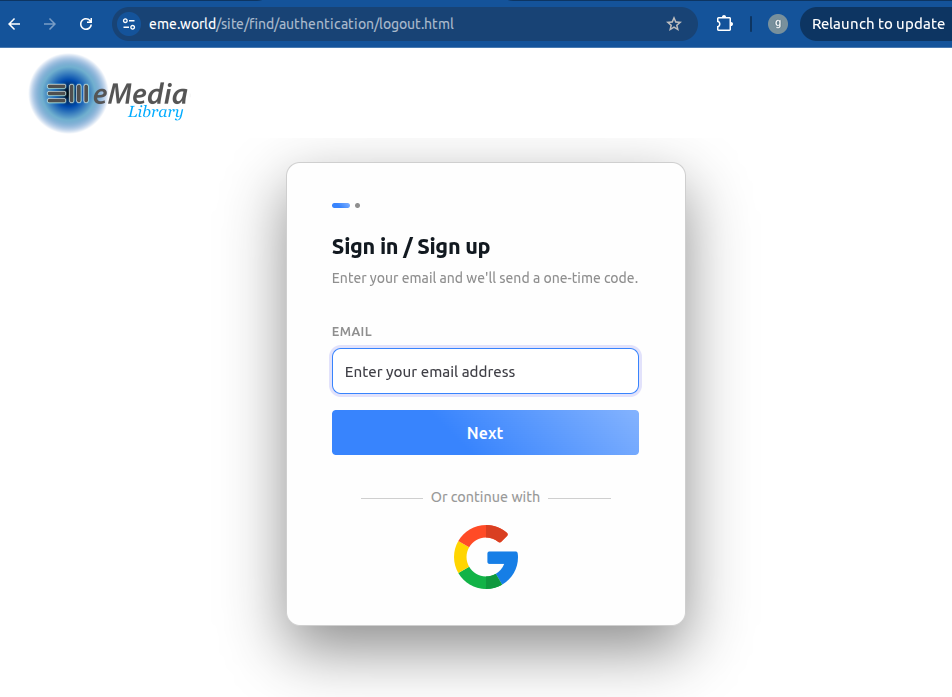
Save the record, clean server cache and users should be able to login with their google account.
Visit Google Developers site for more information: developers.google.com/identity/protocols/OAuth2